
Video Library
See it lit, installed, and explained.
Installation walkthroughs, technical how-tos, remote-syncing guides, and dealer features. Everything you and your team need to install, service, and get the most from a Flare fireplace. Watch on any connected device, in the field or at your desk.
Browse the library
 Installation
 Installation
 Installation
 Installation
 Installation
 Technical Support
 Technical Support
 Technical Support
 Technical Support
 Technical Support
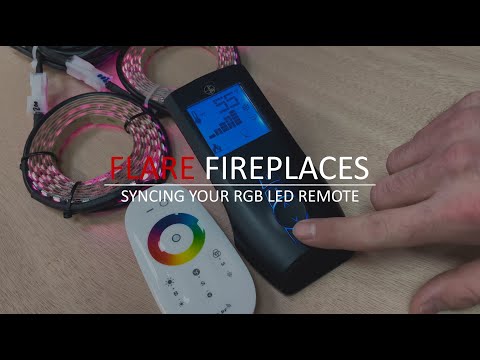 Technical Support
 Technical Support
 Technical Support
 Technical Support
 Technical Support
 Technical Support
 Technical Support
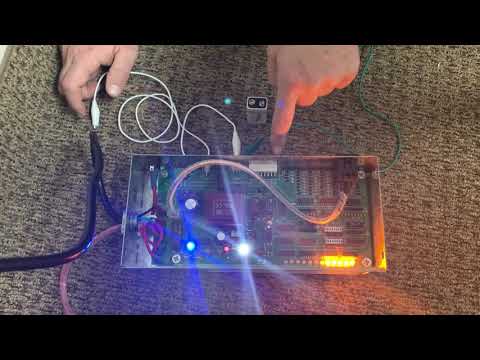 Technical Support
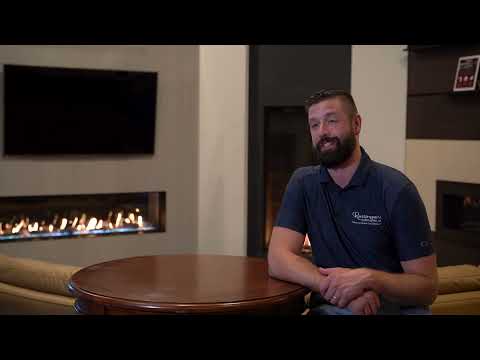 Dealer Feature
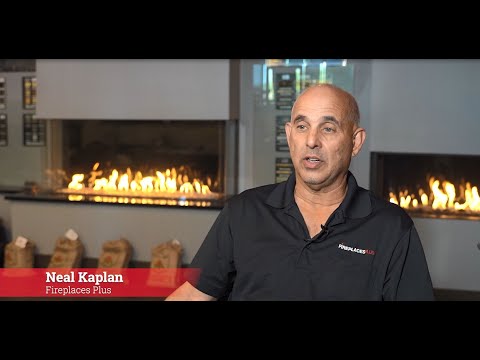 Dealer Feature
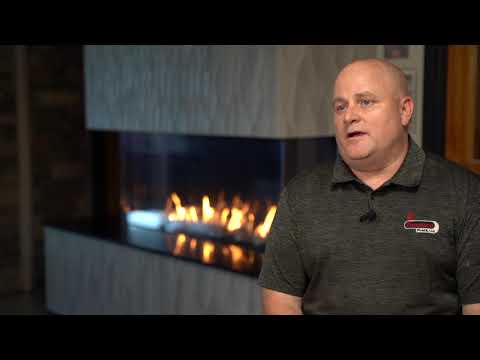 Dealer Feature
Frequently Asked Questions
Where can I watch Flare Fireplaces installation and how-to videos?
Right here. This page gathers Flare’s installation walkthroughs, technical how-tos, remote-syncing guides, and dealer features in one library, and the same videos are available on the Flare Fireplaces YouTube channel.
How do I sync my Flare fireplace remote?
The library includes remote-syncing walkthroughs for the SIT, Maxitrol, and RGB LED (Gen 1 and Gen 2) systems. Choose the video that matches your control system and follow it step by step.
Do you have videos for installing or removing the Double Glass safety barrier?
Yes. There are separate walkthroughs for installing and removing both the Active and Passive Double Glass barrier across front-facing, corner, passage, and traditional configurations.
Can I watch these videos on my phone in the field?
Yes. The video library works on any connected device, so you or your technicians can pull up a walkthrough on-site or at your desk.
Where can I find more Flare fireplace videos?
Visit the Flare Fireplaces YouTube channel for the full collection, or watch the dealer features to see Flare fireplaces in real showrooms and installations.
See it in person
Nothing beats standing in front of a live flame.